Why Your Brand Guidelines Are Being Ignored (And It Is Not Your Team’s Fault)
Brand guidelines fail at scale for a reason that has nothing to do with how clearly they are written or how thoroughly they are communicated.
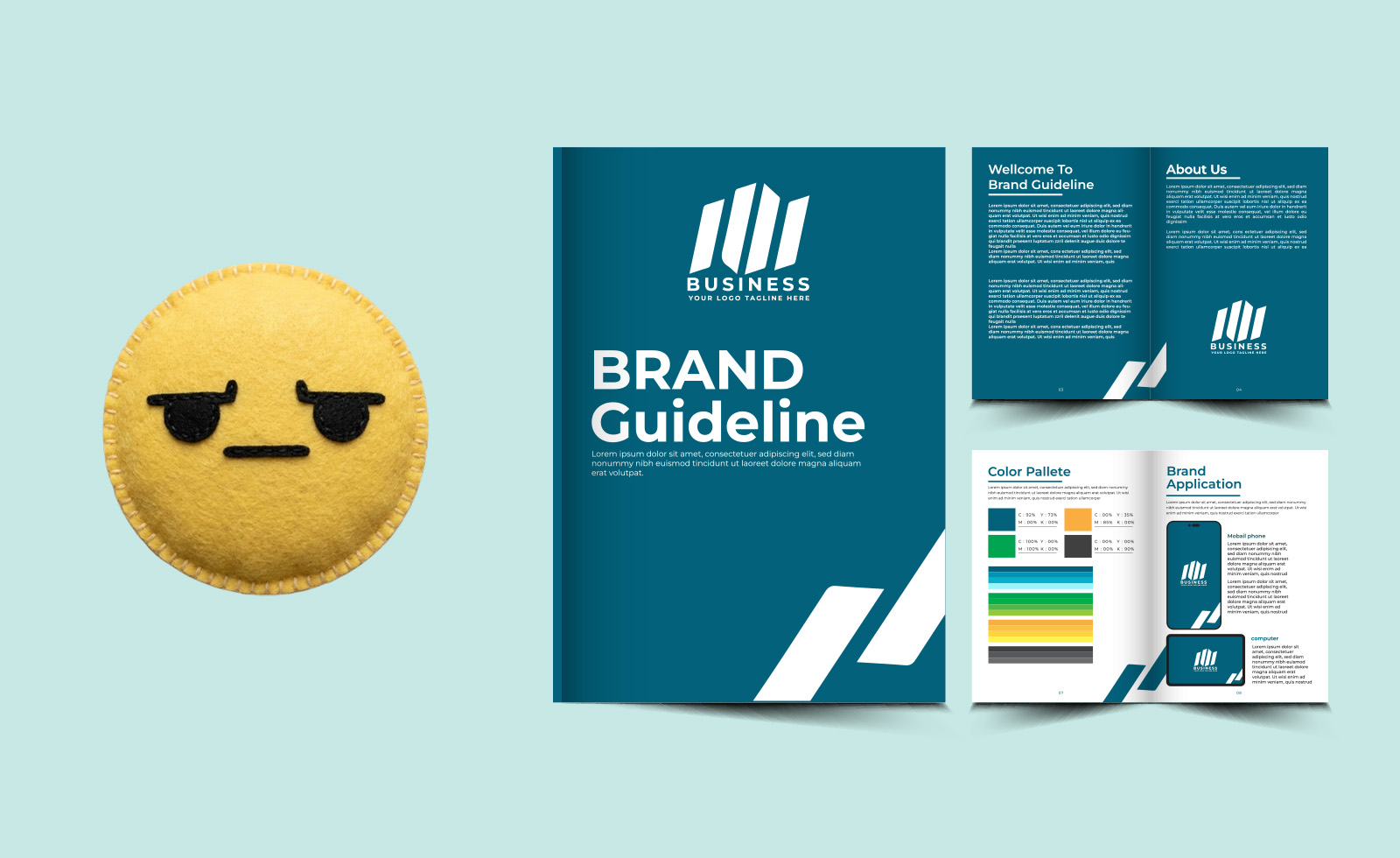
They are documents. Work happens in tools. And documents and tools rarely talk to each other.
When following your brand guidelines requires a team member to open a separate PDF, navigate to the right section, find the correct hex code, download the right logo file from a shared drive, and manually apply all of this to a template they are building from scratch: the friction is too high. People will skip steps. Not because they do not care. Because they are trying to do their jobs quickly, and the process you have designed makes the right choice the hard choice.
The brands with the strongest visual consistency are not the ones with the most detailed guidelines. They are the ones whose tools make it structurally impossible to go off-brand.
That is a fundamentally different approach to brand governance. And it works.
The Four Ways Guidelines Get Ignored
Understanding exactly where the breakdown happens helps identify the right fix. In most organisations, brand guidelines are ignored in one of four ways.
- The outdated template problem. Someone built a template months or years ago, before the last brand update. It lives in a shared drive. People use it because it is convenient. Nobody has updated it.
- The I cannot find it problem. The correct assets exist, but locating them requires navigating a shared drive structure that only the person who organised it understands. Under deadline pressure, people use what they have.
- The close enough problem. The brand colour is #2B4EFF, but the team member picks #2C4FFF because it looks the same on screen. At small scale this is invisible. At enterprise scale, it fragments the brand.
- The I did not know problem. Guidelines were updated, a new logo was released, a brand element was retired. But the communication about the change did not reach everyone, or was forgotten by the time it was relevant.
Every one of these problems has the same root cause: the guidelines live outside the tool where the work is done. The fix is to bring the guidelines into the tool.
What It Looks Like When the Tool Enforces the Guidelines
The Property Franchise Group manages brand standards across 700 offices under multiple franchise brands. Before they moved to Canva Enterprise with a centralised Brand Kit, their Brand Marketing Manager’s job involved constant brand policing: catching deviations, chasing corrections, trying to keep 700 offices aligned with a PDF document.
After the implementation, she described it this way: “Canva transformed our ability to control the brand. Our entire brand identity sits within Brand Kits.”
The difference is that the guidelines are no longer a document to be consulted. They are the system. The correct logo is the only logo available. The correct colours are the only colours in the palette. The correct fonts are the only fonts in the selector. Non-designers cannot accidentally use the wrong brand assets because the wrong brand assets are not there.
That is not restriction. That is infrastructure. And it removes the cognitive burden from every person in the organisation who is not a brand specialist but still needs to create on-brand content regularly.
The Role of Locked Templates
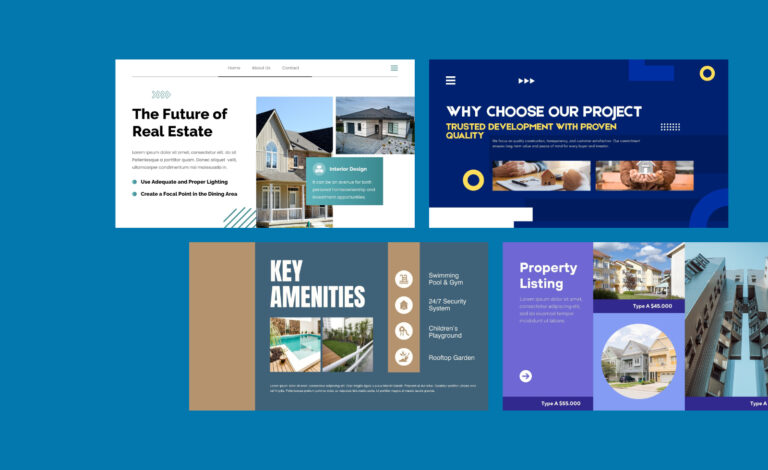
The second half of the solution is locked templates. A Brand Kit handles the asset problem. Locked templates handle the layout and usage problem.
When a template is built with brand-critical elements locked and only content fields left editable, non-designers make zero design decisions. They write the headline, insert the image, and the template ensures everything else is correct. The logo is in the right place. The colour treatment is right. The typography hierarchy is maintained.
The result is a significant shift in how non-designers relate to brand guidelines. They stop being a compliance challenge and start being an invisible part of the tool they are already using.
What to lock and what to leave editable
- Lock: logo position and size, brand colours, font family and hierarchy, key layout proportions, legal disclaimer text.
- Leave editable: headline copy, body text, supporting images, event-specific information, regional details.
The guiding principle is that non-designers should be able to customise the content of a template without being able to change its design. If they can change the design, they will. Not out of malice, but because design decisions feel like content decisions when you are not a designer.
Keeping Guidelines Current: The Maintenance Problem
Even perfectly implemented brand infrastructure has one ongoing vulnerability: it needs to be maintained as the brand evolves.
This is where most organisations that implement well still fall down. A brand colour is updated, but the Brand Kit is not. A new logo variant is released, but the old templates are not refreshed. The system that was correct at launch drifts over time.
The advantage of a platform-based approach is that maintenance is centralised. When you update the Brand Kit in Canva Enterprise, the change propagates automatically to every template that uses those assets. You update the logo once, in one place, and every template in the library reflects the new logo the next time it is opened.
That is the difference between maintaining a document and maintaining a system. Documents require manual distribution and manual adoption. Systems update themselves.
Whenever we update logos in the Canva Brand Kit, every design using that logo automatically updates to the latest version. We love that function in Canva; it is a helpful automation.’
NBCUniversal Ad Sales and Marketing
A Practical Transition Path
If you are currently managing brand guidelines through a PDF document and a shared drive, here is a practical path to moving to infrastructure-based brand governance.
- Audit your most-used content types. What templates do teams across your organisation use most frequently? These are your highest-priority candidates for a governed template library.
- Build your Brand Kit. Upload your approved logos, set your colour palette, define your typography. This becomes the single source of truth for all brand assets in the platform.
- Build and lock your top-ten templates. Cover the content types identified in step one. Lock all brand-critical elements. Test with a small group of non-designers and iterate based on what they try to change.
- Migrate teams to the new system. Retire old templates from shared drives. Make the new system the only system.
- Set a quarterly Brand Kit review. Treat it like any other system maintenance task. Keep it current as the brand evolves.
This is not a six-month project. The core setup can be done in weeks. The template library builds over time. And the brand consistency impact starts showing up immediately once teams are working from the new system.
The Bottom Line
Your team is not ignoring your brand guidelines because they do not care about the brand. They are ignoring them because following them requires too much effort relative to the deadline pressure they are under.
That is a system problem. And system problems get fixed by changing the system, not by communicating harder about the rules.
The goal is simple: make the on-brand choice the easiest choice. Once you do that, the guidelines enforce themselves.
FAQs
Why does no one follow brand guidelines?
Because following them requires too many steps outside the tool people are already working in. When the correct asset is hard to find and the wrong one is already on screen, people use what is easiest.
How do you enforce brand guidelines across a large team?
Stop relying on communication and start building the guidelines into the design tool itself. A Brand Kit and locked templates make it structurally impossible to use the wrong logo, colour, or font.
What is the difference between a brand guideline and a Brand Kit?
A brand guideline is a document people have to consult separately. A Brand Kit is built directly into the design platform so the correct assets are automatically available every time someone opens a template.
How do you update your logo across all company templates at once?
In Canva Enterprise, updating the logo in your Brand Kit automatically updates every template that uses it. You change it once and the whole library reflects the new version immediately.
What should be locked in a Canva template?
Lock brand-critical elements: logo position, brand colours, fonts, and key layout proportions. Leave editable everything the user needs to customise: headline text, body copy, images, and local details.