
This scenario is more common than most Canva implementation guides acknowledge. The platform is easy to access and genuinely enjoyable to use, which means that giving people access without the infrastructure in place leads to rapid adoption of all the wrong habits.
The mistake is not using Canva. The mistake is the sequence.
Why access-first rollouts fail
The instinct behind access-first rollouts makes sense. The tool is good, the team is capable, and getting everyone on the platform quickly feels like the right move. The sooner people are using it, the sooner the benefits arrive.
The problem is that Canva is a very good tool for producing content quickly. When 35 people and 120 agents get access simultaneously without Brand Kits, locked templates, or folder structures in place, what they produce quickly is inconsistent content. The tool’s efficiency works against the brand’s consistency.
Once bad habits are established in a design tool, they are genuinely hard to reverse. People get attached to their personal templates. Unofficial assets get stored in personal folders. Workarounds become workflows. Fixing this six months after a chaotic rollout takes significantly more time and effort than building the infrastructure before anyone gets access.
The correct sequence
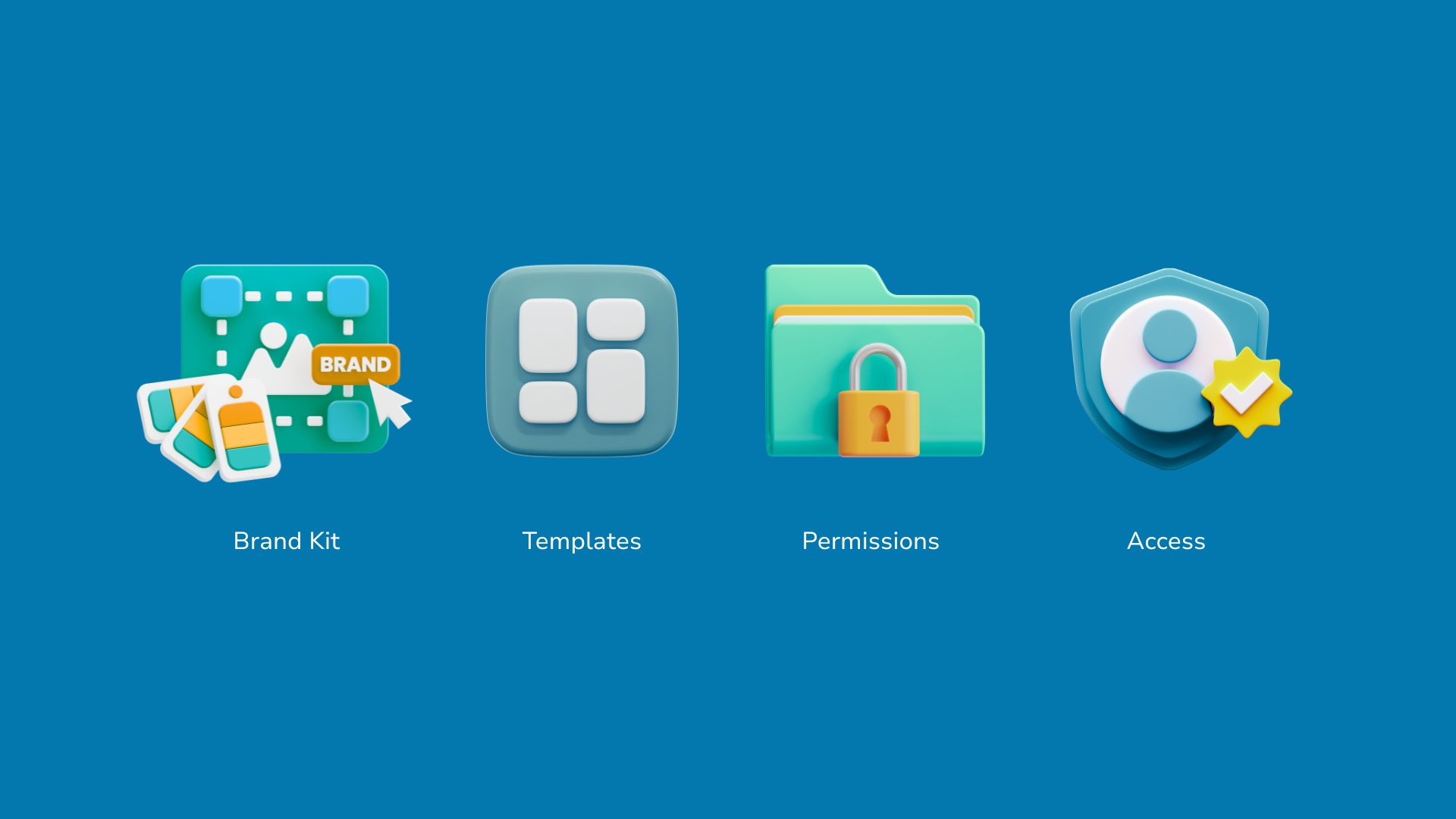
The sequence that consistently produces good outcomes in Canva Enterprise implementations follows four steps in order.
Step one: build the Brand Kit before anyone else gets access
The Brand Kit is the foundation of everything. Before a single invitation goes out, the Brand Kit should contain every approved logo variant, the complete colour palette with exact hex codes, and the approved fonts. It should be configured so that these are the only assets available to team members when they create content.
This step takes one to two days for a straightforward brand. For organisations with complex multi-brand or multi-market requirements, it may take longer, but it still comes first.
Step two: build the locked templates for the ten to fifteen most common content types
The most common rollout error after skipping the Brand Kit is skipping the templates. Without locked templates, team members start from blank canvases and build their own informal templates, which diverge from the brand over time.
The template library does not need to be exhaustive from day one. Identify the ten to fifteen content types that the team produces most frequently and build locked templates for each one. Social post formats, presentation covers, email headers, proposal layouts, internal communication templates. These cover the majority of day-to-day production and set the pattern for how the platform should be used.
Step three: configure user permissions and approval workflows
Before inviting the team, decide who gets what level of access. In most organisations this means administrators who can edit Brand Kits and templates, editors who can create content from templates, and viewers who can access and download assets without editing them.
For content types that need oversight before going to market, configure approval workflows. Social content, external communications, and campaign assets typically need a sign-off step. Internal content and templated materials often do not. Getting this right before rollout means the governance layer is invisible to users from day one rather than retrofitted later.
Step four: invite the team and run a 30-minute onboarding session
With the Brand Kit configured, templates in place, and permissions set, the team invitation can go out. The onboarding session should cover three things: where to find the approved templates, how to use the Brand Kit elements, and what the approval process is for content that needs sign-off. Nothing more is needed. The platform is intuitive enough that people figure out the rest quickly once the infrastructure is in place.
What the research shows about rollout sequence
The organisations that get the most value from Canva Enterprise in year one are almost universally the ones that invested in the infrastructure before the rollout rather than during or after it. The brands that struggle are the ones that treated the platform access as the starting point rather than the end point of the implementation process.
Docusign rebuilt their entire brand template library in four months using Canva Enterprise after a rebrand, with employees creating 2,700 new on-brand designs in the first month alone. That outcome was possible because the Brand Kit and template infrastructure were in place before the team got access to the new brand assets.
Just Cuts reduced local area marketing delivery times by 82% across its franchise network by giving franchisees locked templates with clear guardrails before the platform went live. The templates were there from day one. The adoption was fast because the infrastructure was already doing the work.
A useful way to think about this
Canva Enterprise is like a new office space. If you move your team into it before the desks are arranged, the filing systems are set up, and the meeting rooms are booked correctly, you get chaos that looks productive for about a week and then becomes genuinely disruptive to fix.
If you spend two weeks setting up the space properly before anyone moves in, the first day your team arrives, they can work. Everything is where it should be. The habits form correctly from the start.
The two weeks of setup feels slower. It is faster by several months in practice.
FAQs
How do you set up Canva Enterprise for a large team?
Set up the Brand Kit and locked templates before giving anyone access, then configure user permissions and approval workflows. Invite the team only after the infrastructure is in place, and run a short onboarding session covering where templates are and how approvals work.
How long does a Canva Enterprise implementation take?
With a structured approach, most organisations have a fully operational environment including Brand Kit, template library, and user onboarding complete within four to six weeks. Larger organisations with complex brand requirements may take six to eight weeks.
What should you set up in Canva before rolling it out to the team?
Configure the Brand Kit with all approved logos, colours, and fonts first. Then build locked templates for the most common content types. Set user roles and approval workflows before sending invitation links to the team.
What is a Canva Brand Kit?
A Canva Brand Kit is a centralised collection of your organisation’s approved visual assets, including logos, colour palettes, and fonts, accessible to every team member in your Canva environment. It ensures all content created in Canva automatically uses the correct brand elements.
How do you manage brand consistency in Canva for a large team?
Use Canva Enterprise’s Brand Kit to centralise approved assets, locked templates to standardise common content types, and approval workflows to review external-facing content before it goes live. These three features together create a governance infrastructure that maintains brand consistency without requiring manual oversight of every piece of content.